Description
Synth melodies, electronic beats and spacious arrangements give much of gamecore a polished, melodic sound. The name is used by Every Noise at Once and Spotify’s playlist “The Sound of Gamecore”, though published writing about it is scarce.
The music ranges from relaxed lo-fi grooves to electronic dance music, pop-rock and intricate jazz-fusion. Drum machines and sampled percussion are common, while some tracks use acoustic drum kits. Synth pads and bass sit alongside piano, electric piano and guitars; repeating chord progressions can support a tuneful lead, while more complex harmonies and quick melodic runs give other pieces a busier feel. Many productions have a wide, clean studio sound, with reverb or delay adding space.
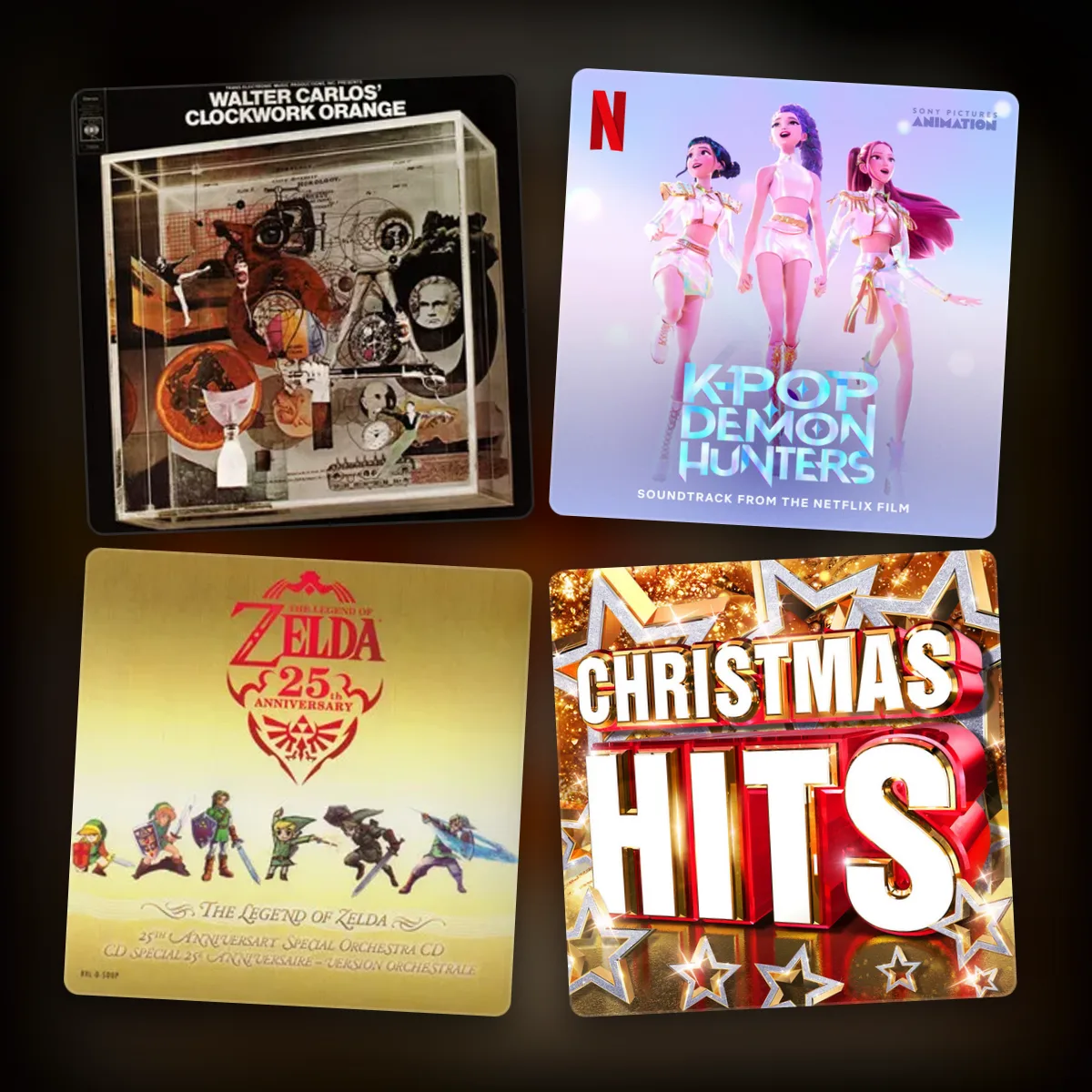
Some pieces are instrumental, while others use processed vocal fragments or full, breathy singing in several languages. The mood can be contemplative and nostalgic or playful and energetic. Many track titles point to game music arrangements and remixes, including themes from Zelda, Undertale and Mega Man. Many releases in the playlist date from the mid to late 2010s.
Based on: Every Noise at Once, Spotify's genre tags and playlist
Start with a melody
Choose a strong, memorable theme and build a repeating chord progression around it. For a game-music arrangement, reinterpret an existing melody through new harmonies and instrumentation; for an original track, give the lead a similarly clear melodic shape.
Build the groove
Use programmed drums and synth bass for an electronic foundation, or an acoustic kit and electric bass for a band-oriented feel. A relaxed lo-fi beat can suit a reflective arrangement, while a faster dance rhythm or syncopated jazz-fusion playing can give the same kind of melody more energy.
Arrange and mix
Layer synth pads with piano or guitar, leaving room for the lead to stand out. Try a clean, wide mix with reverb and delay, or use the softer, imperfect textures associated with lo-fi. Vocals can be full and breathy, used as processed fragments, or left out altogether.
Top albums





Best playlists


Other similar genres
Genres sharing the most artists with Gamecore